
Getting Rich County Court Records
Start with Utah Courts XChange for public district or justice case history and exposed filings. Public terminals at Utah courthouses and the State Law Library offer free inspection. For missing, older, certified, or clerk-only material, call Rich County at 435-793-2415, visit the clerk at 20 South Main, Randolph, UT 84064, or mail a written request. Identify District Court or Justice Court because both use the local line.
- Identify the court, case number, record type, and date range.
- Inspect XChange or an available free public terminal.
- Describe the requested filing with reasonable specificity.
- Choose inspection, plain copy, audio, or certification.
- Confirm the current total before paying.
District Court holds felonies, class A misdemeanors, general civil, domestic, probate, judgment, tort, and property-rights files. Justice Court holds traffic, parking, infractions, county ordinances, class B and C misdemeanors, and small claims. The correct division controls the request.
Rich County Written Requests
The Utah Request for Record asks where the request goes, which records are sought, whether inspection or copies are wanted, and why any nonpublic access is authorized. It also takes contact details, date, and signature. A precise court, case, filing type, and time span helps the clerk locate the item.
The form says an ordinary decision is made as soon as possible and may take up to ten business days. Expedited treatment needs the proper checkbox and proof of a qualifying public benefit or media need. Keep the submitted form and response for any rule-based review.
A written request asks the clerk to locate and classify a record. It does not guarantee release of private or sealed material.
Court Record Types
A case history is the chronological XChange index. A filed document is the paper behind an entry. MyCase can give eligible parties access to their own filed papers. The Full Court Calendar supplies hearing details, not the whole file. Audio uses a separate request. Certification comes from the clerk.
- Case History/Documents and proceedings
- Public complaints, petitions, answers, and motions
- Orders, judgments, dispositions, and account entries
- Audio requested through the court process
- Public exhibits or attachments when available
Rich County eFile Limits
Utah eFile is different. It accepts papers from authorized filers and feeds court review, but it is not a public lookup tool. The official filing login is pictured below.
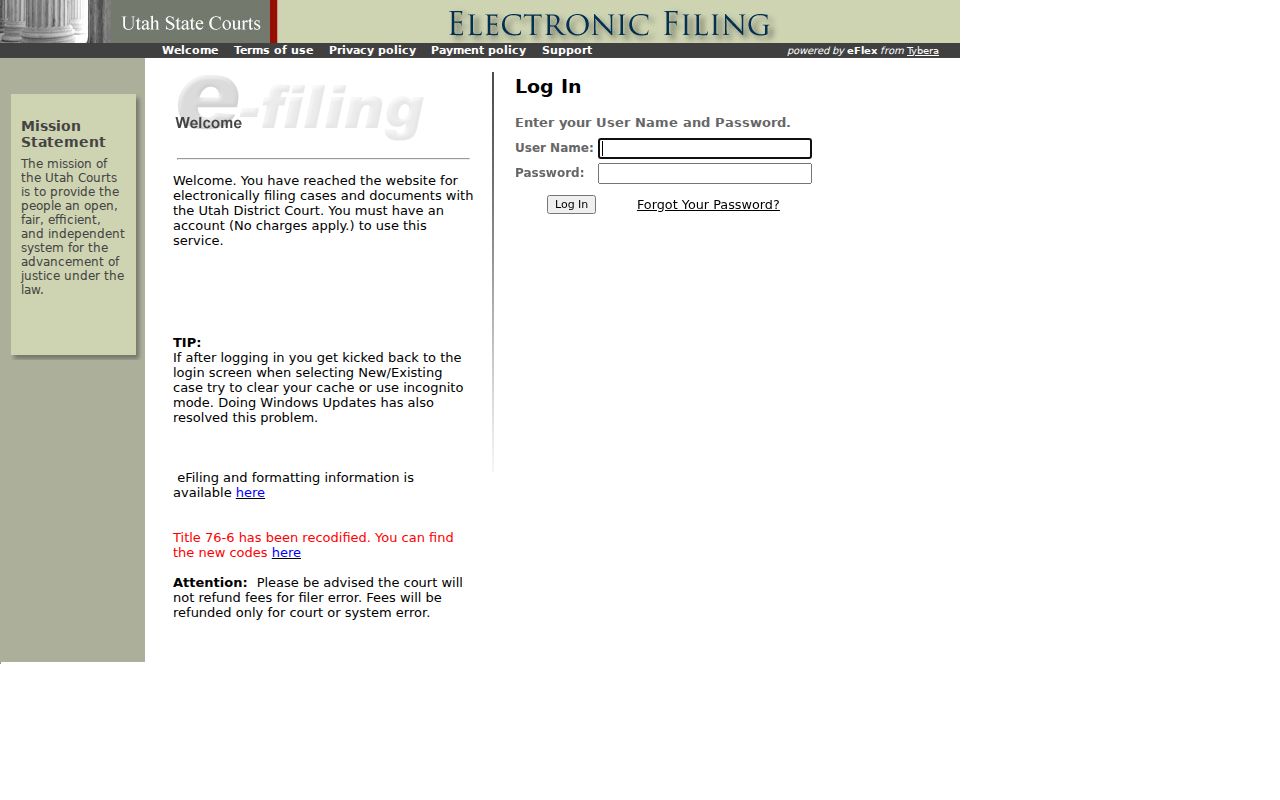
The login screen reinforces the distinction between submitting a filing and searching a public Rich County court record. A filing becomes visible only after clerk review and only when its classification permits public access through CORIS and XChange.
Authorized filers use a username and password. Utah states that e-filing itself has no service charge, although ordinary filing fees and other court charges may apply. The filer is responsible for submission errors, and refunds are generally unavailable for filer mistakes. Those rules make eFile the wrong place for a member of the public who merely wants to read a case history or obtain a copy.
Rich County Free Terminal Access
Utah's CORIS page describes free courthouse and State Law Library terminals. The state access explanation is shown below.
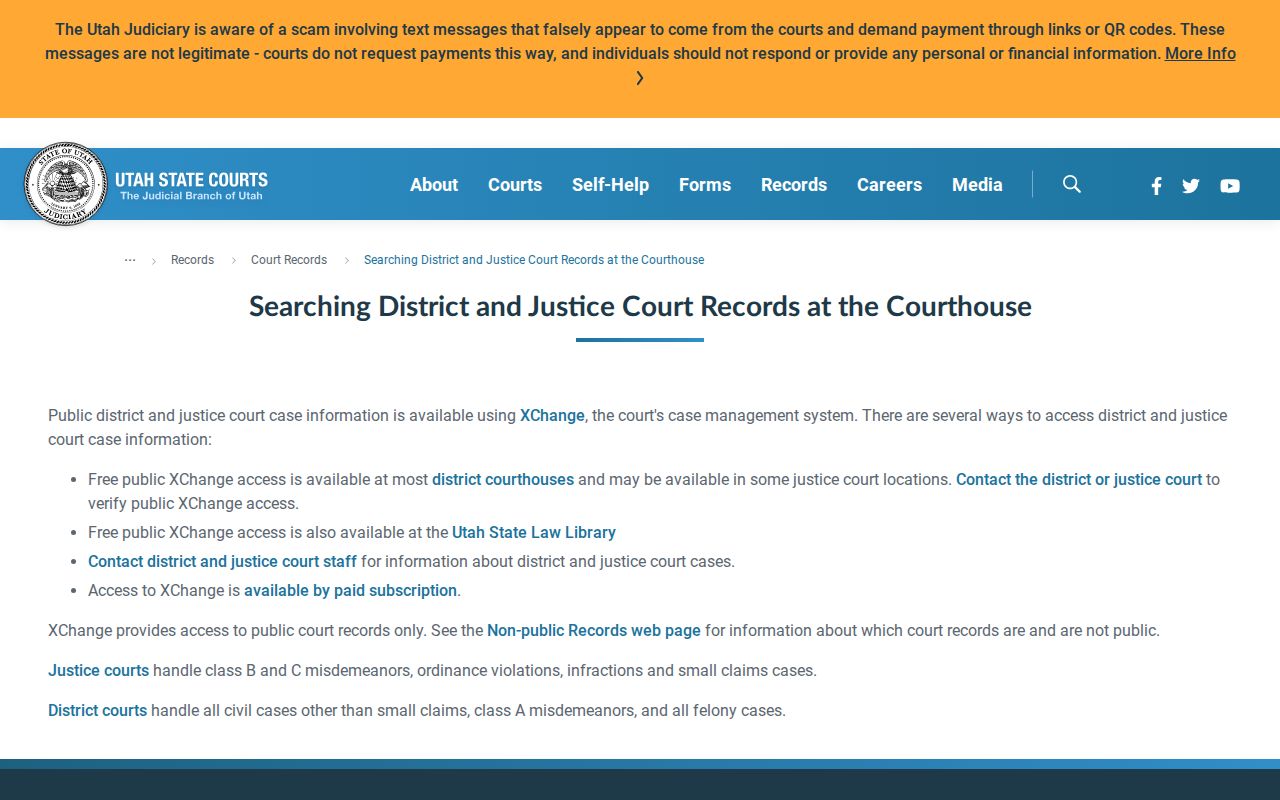
The official page confirms a no-charge inspection route for public court information, but local equipment and staff availability should be checked before travel.
Online XChange and a terminal draw from related court information, yet they are different services. A terminal can help a reader inspect a public case history without paying for several remote searches. It cannot change the classification of private, protected, sealed, juvenile, or expunged material. The Rich County clerk remains the authority on the official file and can explain whether a copy request, a certification request, or a written access request is needed.
| Route | Best use | Cost |
|---|---|---|
| XChange | Remote public history and documents | Search and document fees |
| Terminal | Inspect available public CORIS data | Free inspection |
| Clerk | Copies, certification, gaps, classification | Rule-based fees |
Call 435-793-2415 before visiting. State Law Library access may be another option when the local terminal cannot meet the need. Neither route replaces a certified copy from the clerk.
Inside a Rich County Court Record
XChange may show a court header, caption, number, type, judge, parties, roles, attorneys, and proceedings. Public criminal detail can add charges, levels, pleas, dispositions, agencies, citations, and account amounts. Civil detail can include motions, hearings, judgments, and post-judgment entries.
| Case Number | Identifier checked with court, type, and filing date. |
|---|---|
| Pleadings | Public petitions, complaints, answers, and motions. |
| Orders & Judgments | Signed directions and enforceable results. |
| Case History | Dated filings, settings, orders, and outcomes. |
| Documents | Images may appear behind a separate purchase control. |
An entry can state that a paper was filed without exposing the image. Public district images generally cover electronic filings since July 2010. Randolph district XChange coverage begins June 26, 2000, so older converted Rich County records may be less complete. Ask the clerk about a gap.
Rich County Audio Requests
The Utah audio page identifies form 1100GE for district audio and provides the official request route pictured below.
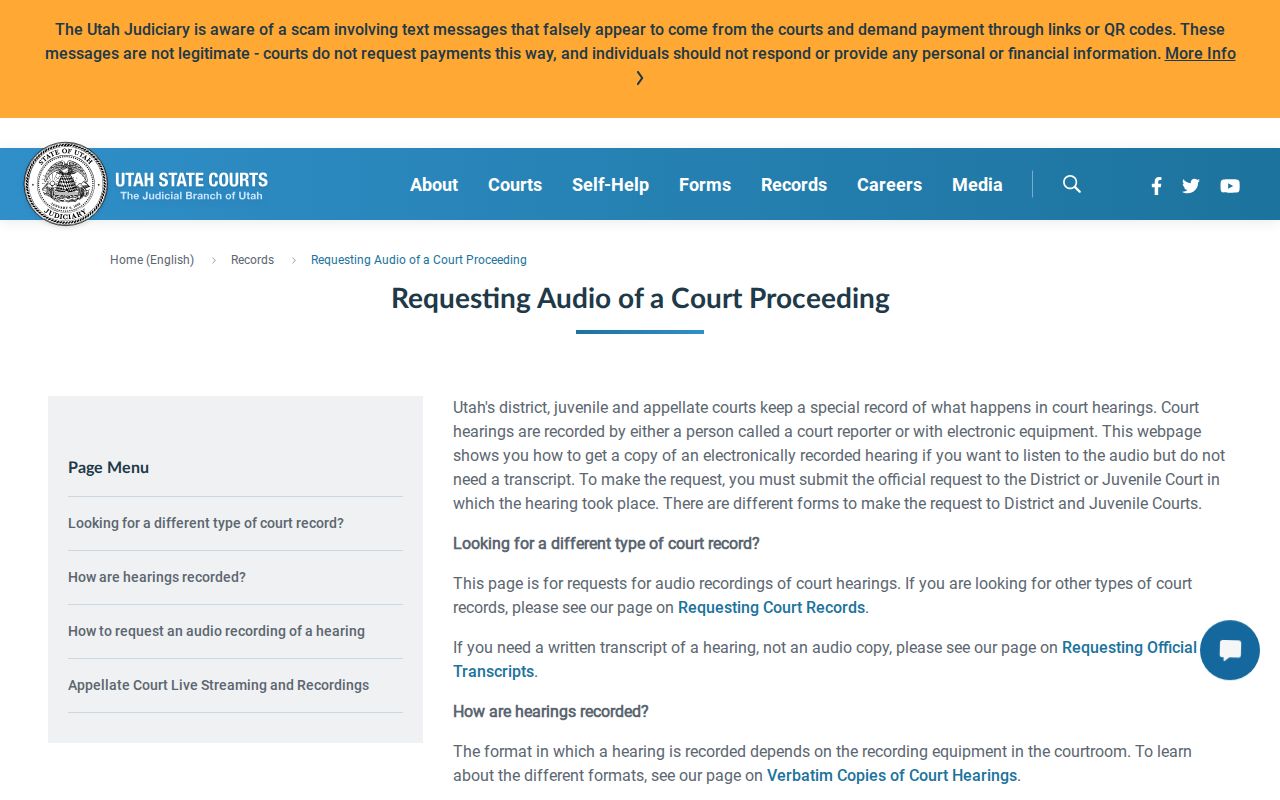
The state page separates attorney filing from the email route used by a person who is not an attorney. Rich County district requests go to rich_po@utcourts.gov.
Use the correct form and identify the court proceeding with enough detail for staff to locate the recording. Attorneys e-file the request. Non-attorneys send the completed request to the correct court. Ask about cost and availability before submission because the source promises no fixed completion period, and not every proceeding or portion will necessarily have a releasable recording.
Published amounts include $15 per half-day for an electronic testimony record, $10 per FTR Cloud recording, $15 for USB or disc, and actual mailing cost. Audio is not a written transcript. A recording supplied by the court is also distinct from making a personal recording during a hearing, which the official calendar rule prohibits.
Fees and Certified Copies
A $1 XChange image is not a certified copy. Ask the clerk for the proper source document and certification charge. The official research did not publish a Rich-specific certification price, so no estimate should replace the clerk's quote.
| Item | Amount |
|---|---|
| Paper copy | $0.25 per sheet |
| Non-hearing electronic medium | $15 per unit |
| Fax or email | $5 through 10 pages, then $0.50 per page |
| XChange document | $1 per document |
Rich County MyCase Records
MyCase serves parties and authorized participants in eligible matters. Registration uses email, an exactly nine-digit case number, and government identification. A Utah driver license or state identification can support automatic registration, while a person using non-Utah identification follows the court's secure email process. Access depends on a verified connection to the case.
Eligible categories include debt collection, eviction, small claims, protective orders, parking and traffic citations, infractions, misdemeanors, and state felonies. A signed-in party may see filed papers, make payments, link cases, receive case-change notices, and sometimes receive official documents. Those functions go beyond the public index because the user has established an authorized role.
MyCase is not public XChange. It is the right route for an eligible party's own electronic file, while XChange is the statewide public research layer. A person attending a remote hearing does not need an account merely to attend. Use the Webex link shown on the Full Court Calendar or call the court when no link appears. Neither service replaces the clerk when a certified copy, older paper file, or record-classification decision is required.
Sealed Records and Public Access
UCJA Rule 4-202.02 governs public, private, protected, sealed, and restricted records. XChange excludes sealed, expunged, juvenile delinquency, child-welfare, and termination matters. Some domestic, probate, adoption, guardianship, stalking, custody, and support filings are private even if limited public history remains.
Public access under Rule 4-202.03 does not create access to a sealed file. Utah GRAMA provides a general baseline, but judicial records follow court-specific classifications. Submit any claimed authority for nonpublic access with the written request.
Key Rules:
UCJA Rule 4-202.03 identifies who may access public and restricted records.
UCJA Rule 4-202.04 provides the written clerk-request route.
UCJA Rule 4-202.08 sets copy and service fees.